The sales CRM that works on your phone. No tricks.
Contacts, Companies, Deals and Tasks for small teams that sell. If you come from HubSpot, you already know your way around.
Free to try, no card needed.
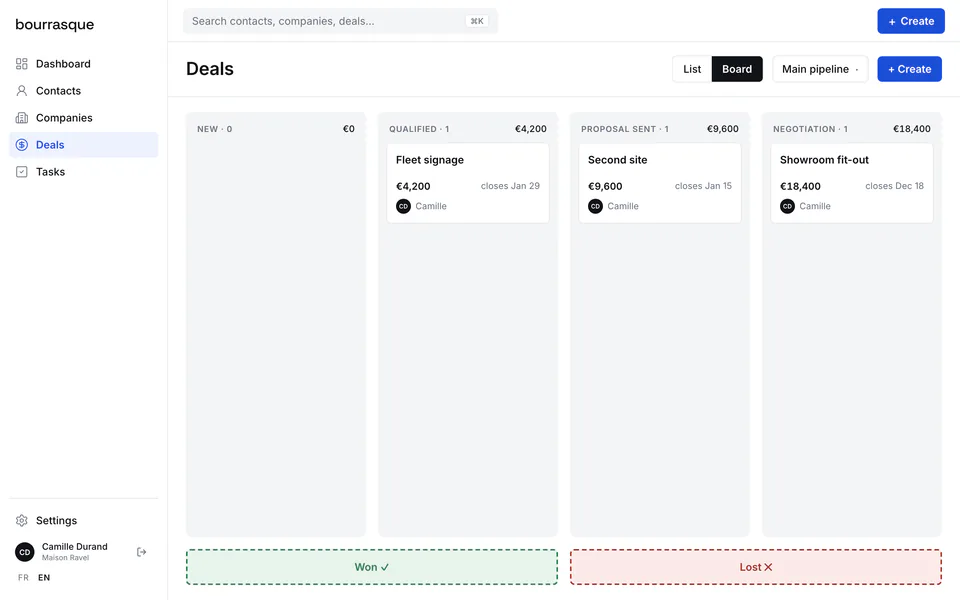
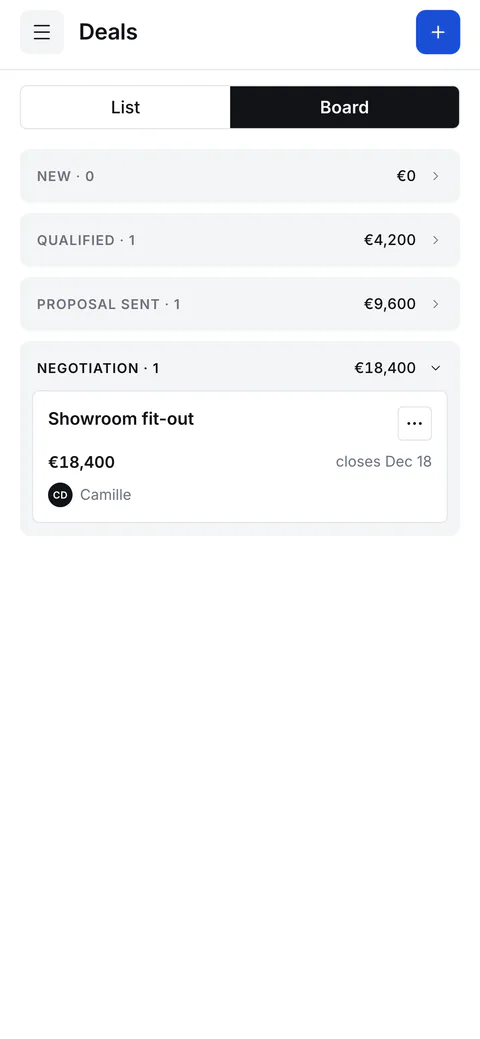
Built for the phone, not shrunk onto it.
A seller’s day does not happen at a desk, so neither does their CRM. Bourrasque runs in your phone’s browser with nothing to install, and its screens are laid out for the phone.
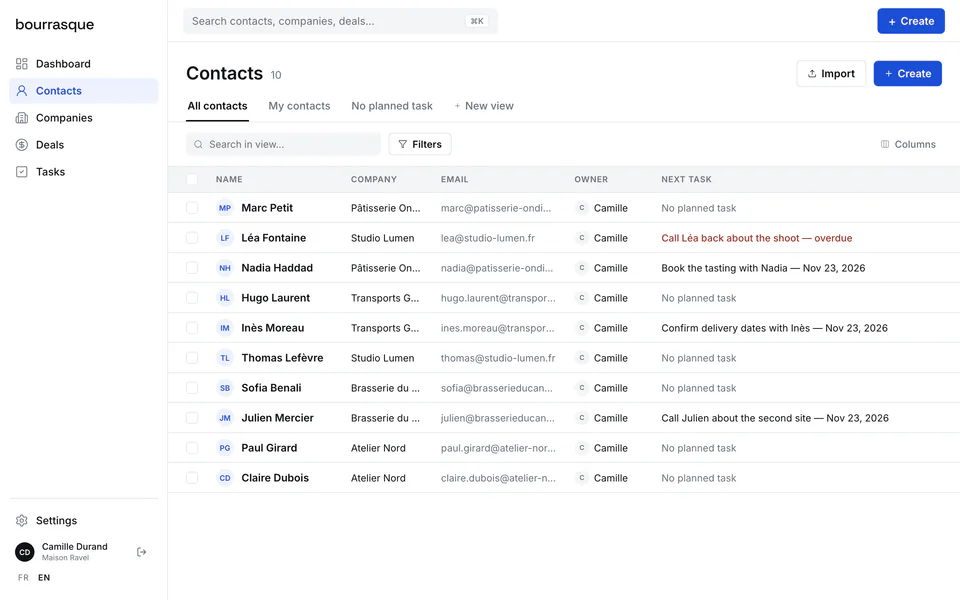
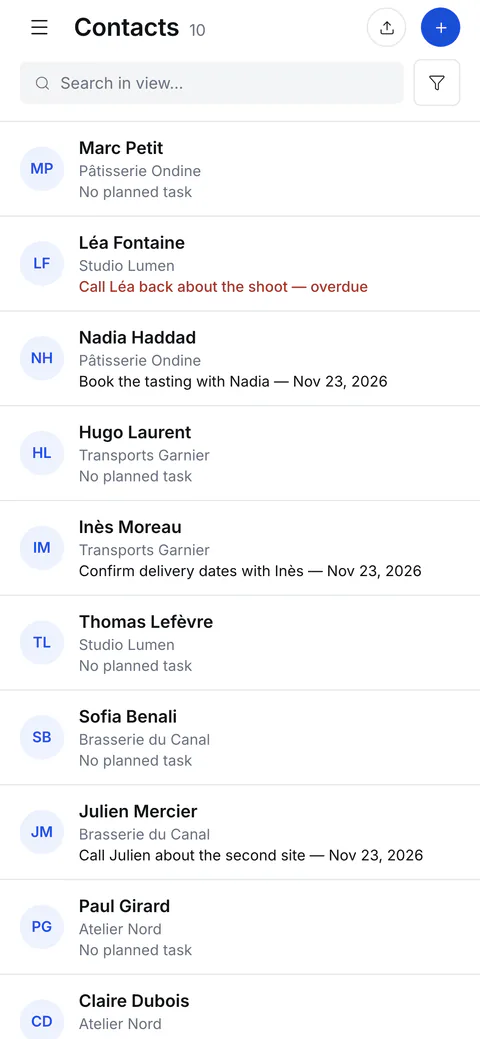
9:00, at the desk.
The Contacts list shows each person’s Company and the next Task with them. Saved views keep the lists you open every day.
12:40, between two meetings.
What is overdue, what is due today, what is coming. Tick a Task off on the pavement: it is the same Workspace on every screen.
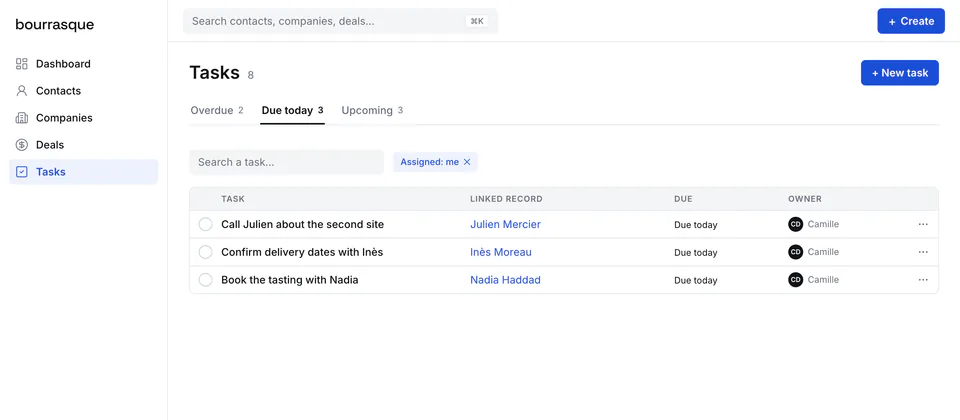
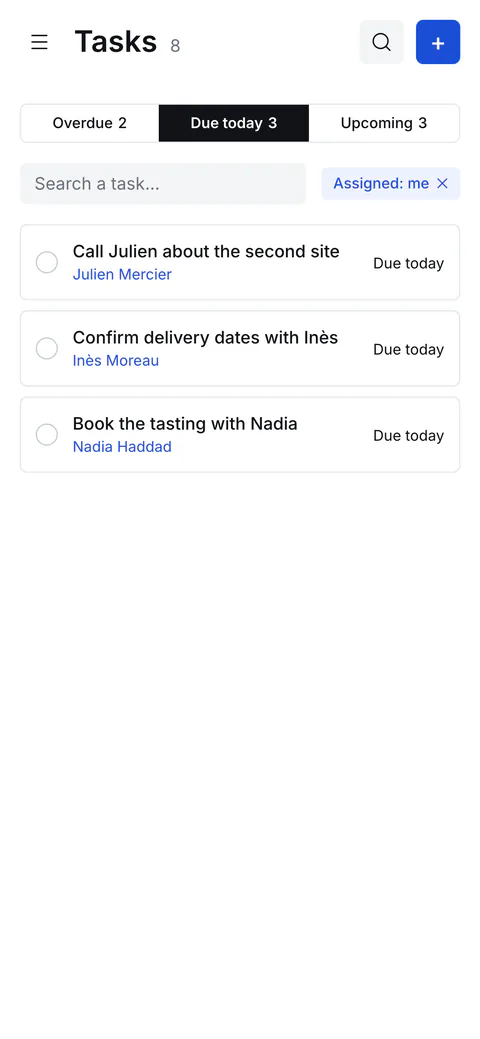
16:15, on the train back.
Write down what the client said while it is fresh. The Note joins the Deal’s Timeline, next to each change of Stage.
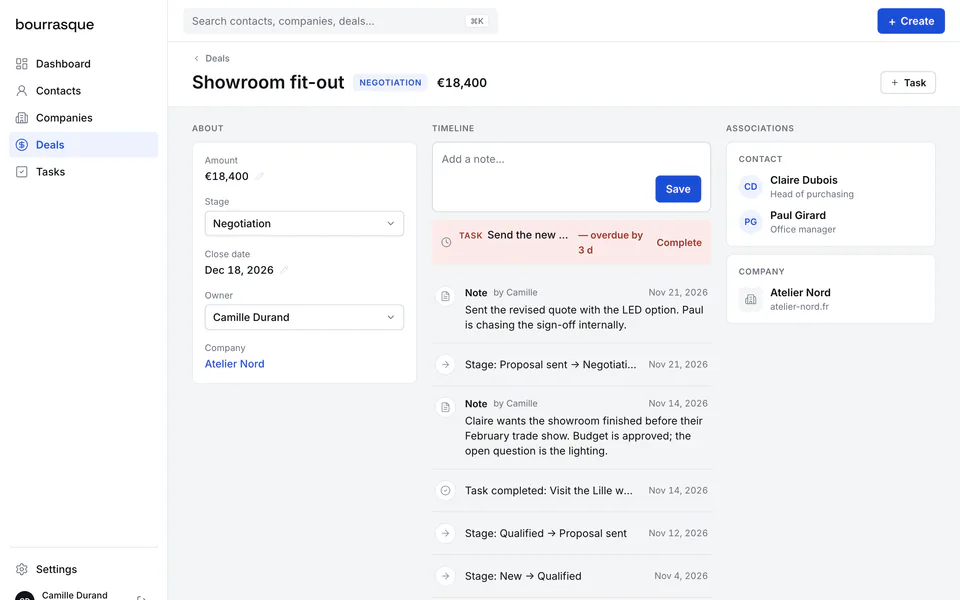
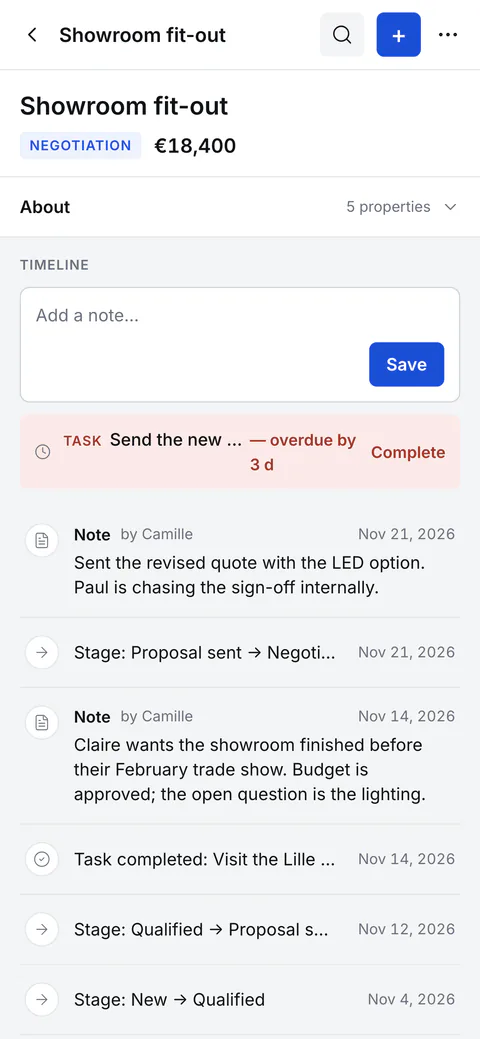
No tricks. Here is what that means.
Try it without a card.
The Free Plan needs no payment card, no call and no demo. Create an account and use it.
Nothing locked on screen.
No upgrade banners and no padlocked buttons. If something is not in Bourrasque, you will not see it.
Cancel from the billing page.
An Admin cancels on Stripe’s billing page, reached from Settings. The Plan runs to the end of the period you paid for.
Stop paying, keep your Records.
When a paid Plan ends, the Workspace goes back to Free. Nothing is deleted, hidden or locked; only adding more is refused.
Leaving HubSpot? Bring your data and your habits.
Bourrasque keeps HubSpot’s words and layout on purpose: lists, a Deal board with a total per Stage, record pages with a Timeline. Export your Contacts, Companies and Deals from HubSpot as CSV files and import them. You see how the columns match before anything is written, and a report lists every row that was skipped, with the reason.
What the import takes, and what it leaves- Contacts
- Companies
- Deals
- Pipeline
- Stages
- Tasks
- Notes
- Timeline
What is in Bourrasque
- Contacts, Companies and Deals
- Lists with saved views, a preview drawer, and a page for each Record.
- Deal board
- A column per Stage with its total. Move a Deal along, then mark it Won, or Lost with a reason.
- Tasks and Notes
- Tasks with due dates, sorted into Overdue, Due today and Upcoming. Notes on any Record.
- Timeline
- Each Record’s history: Notes, changes of Stage, completed Tasks.
- Dashboard
- The open Pipeline, Deals won this month, overdue Tasks and the week’s activity.
- CSV import
- Contacts, Companies and Deals from a HubSpot export, with a report of what was skipped.
- Team and Roles
- Each person holds one of three Roles: Admin, Manager or Member.
- ⌘K
- Search any Record or start an action from the keyboard.
- French and English
- Each person picks their own language.
Free to try. Air for the team.
- Free
- One Seat and room for a handful of Records, with no card: enough to try Bourrasque, not to run a company on it.
- Air
- Paid per Seat, monthly or yearly, with no limit on Contacts, Companies or Deals.
- Air Plus
- Air with AI: Rurik AI inside the app, and a connection for the AI tool you already use.
Billing goes through Stripe.
Prices and how billing worksTry it with your own Pipeline.
It is free to try, and needs no card. Questions first? The FAQ answers them plainly.